
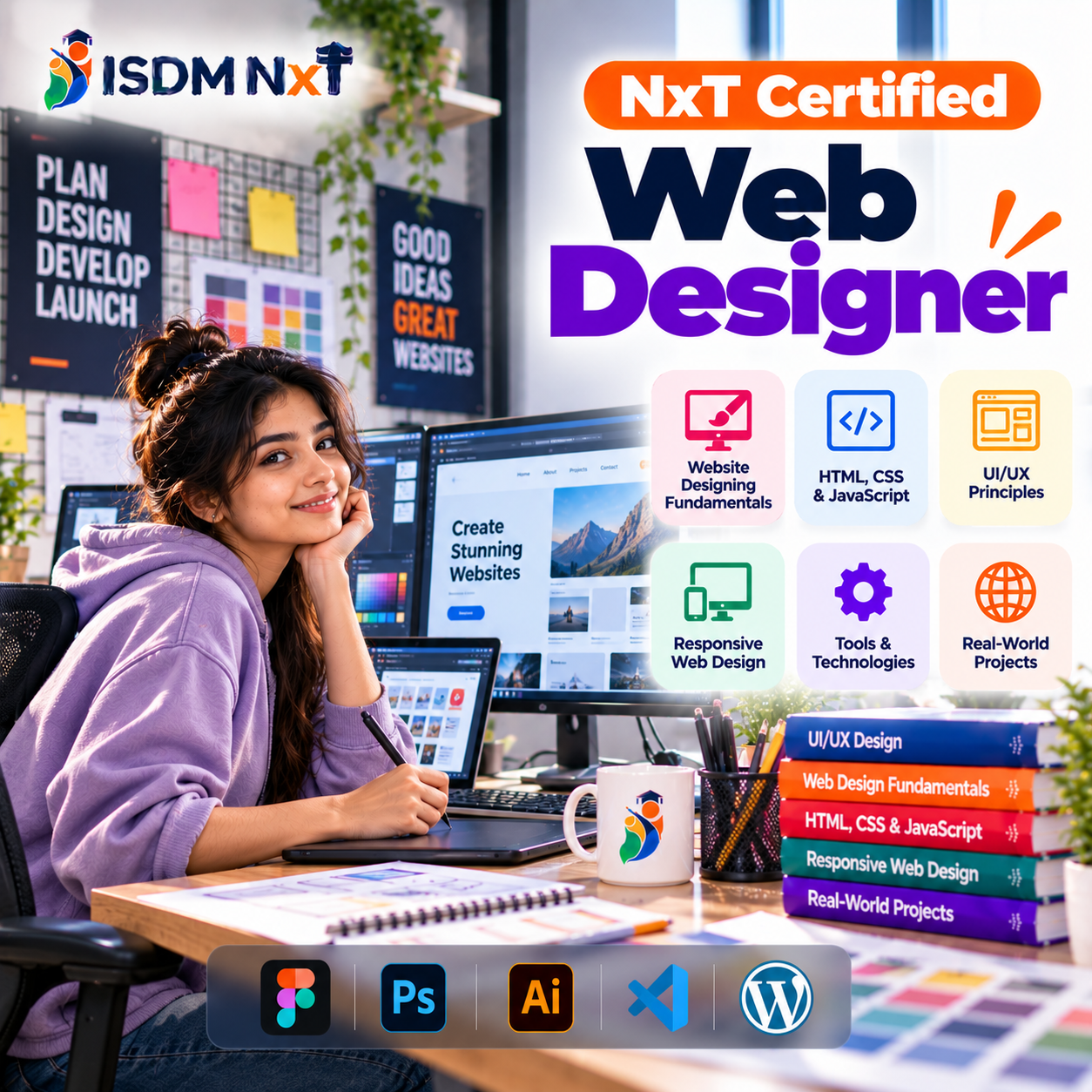
About this course
The NxT Certified Web Designer course is designed to equip you with the essential skills and knowledge required to excel in the field of web design. Over the span of 6 months, you will learn various design principles, tools, and techniques that are crucial for creating visually appealing and user-friendly websites.
- Hands-on training with industry-standard tools.
- Understanding of user experience and user interface design.
- Responsive design techniques for various devices.
- Project-based learning for practical experience.
Tools you will master
Hands-on practice on the same software that companies use every day.
 Adobe XD
 Figma
 Sketch
 Visual Studio Code
 Bootstrap
 jQuery
 Google GeminiAI
 ClaudeAI
 PerplexityAI
 NotebookLMAI
What you will study, module by module
- Web Technologies And Design Trends
- Web Accessibility And User-Centered Design
- HTML Structure, Tags, And Attributes
- Lists, Tables, Forms, And Multimedia
- Semantic HTML And Best Practices
- SEO-Friendly Markup And Image Optimization
- Building Structured HTML Web Pages
- CSS Selectors And Targeting
- Box Model And Display Properties
- Responsive Layouts With Flexbox And Grid
- Positioning And Overlay Effects
- Colors Gradients Shadows And Borders
- Transitions Transforms And Animations
- Building Responsive Animated Webpages
- Media Queries And Breakpoints
- Mobile-First Design
- Bootstrap Grid And Components
- Customizing And Combining CSS Frameworks
- Adaptive Layouts And Web Accessibility
- Responsive Testing And Debugging
- Building A Responsive Website
- Variables, Data Types, And Operators
- Functions, Loops, And Conditionals
- Selecting And Modifying DOM Elements
- Handling Events And User Interactions
- Form Validation And Input Checks
- Storing And Retrieving Data With Local Storage
- Working With JavaScript Arrays And Objects
- Looping And Manipulating Data
- Selecting And Modifying Elements With jQuery
- Handling Events And Animations With jQuery
- Fetching API Data With Fetch And Async/Await
- Displaying Dynamic Content On Webpages
- Building An API-Integrated Dynamic Webpage
- Wireframing and Interactive Prototyping
- Color Theory, Typography, and Visual Hierarchy
- Image Optimization and Lazy Loading
- Asset Minification and Compression
- Browser Developer Tools and Performance Testing
- Cross-Browser Compatibility and Debugging
- Optimizing and Testing Webpages
- On-Page SEO
- Off-Page SEO and Link Building
- SEO-Friendly Content Creation
- Hosting Providers and Domain Names
- cPanel, FTP, and Website Security
- Website Deployment Platforms
- Google Analytics and Performance Tracking
- Website SEO Implementation Project
- Choosing A Web Project
- Building Portfolio, Blog, And E-Commerce Pages
- Planning And Implementing A Complete Website
- Resume Writing And Interview Preparation
- Showcasing Work On GitHub And Behance
- Promoting Projects And Gathering Feedback
- Final Project Submission And Presentation
- AI Basics And Everyday Uses
- How Generative AI Works
- Prompt Engineering Foundations
- AI For Study And Workplace Tasks
- Fact-Checking And Reliable Research
- Privacy, Safety And Responsible Use
- Integrated Practice And Review
After this course you will be able to
- Proficient in web design software such as Adobe XD, Figma, and Sketch.
- Ability to create responsive and accessible web designs.
- Understanding of HTML, CSS, and basic JavaScript.
- Knowledge of design principles and user experience strategies.
Projects you will build
Create a personal portfolio website showcasing your design projects.
Design a landing page for a fictional product or service.
Develop a responsive website for a nonprofit organization.
Collaborate on a group project to redesign an existing website.
Your NxT Learning Kit
Not just classes: real practice for every subject, inside your student login.
Practical Applications
For every subject: where it is used in real jobs and business, a step-by-step method, a worked example and a task you do on the computer and submit. Your trainer checks it and gives feedback.
- Covers 1 subject
- Checked by your trainer
- Counts in your progress report
Subject Tests
Online practice tests subject by subject. Your result comes instantly, the right answers are explained, and you can try again to improve your score.
- 18 practice questions
- Instant result
- Answers explained
Glossary
Every important word of your subjects in simple language, with a short meaning and an example, so technical words never stop you.
- Simple meanings
- Real examples
- Subject wise
- Artificial Intelligence (AI)
- Machines that can perform tasks that typically require human intelligence.
- Machine Learning
- A subset of AI where computers learn from data to improve over time.
- Deep Learning
- A type of machine learning that uses neural networks to process data.
Interview Preparation for Real World
Questions that companies really ask for this field, with clear model answers, so you walk into job interviews ready and confident.
- Model answers
- Asked in real job interviews
- Subject wise
Broad Resources of External Material
Hand-picked free videos, official guides and reading material for every subject, so you keep learning beyond the classroom.
- 6 videos
- 5 reading links
- Picked for your syllabus
- Intro to AI Fundamentals
- Prompt Engineering Basics
- Understanding Machine Learning
- Natural Language Processing Explained
Flash Cards & Revision
Quick flip cards and short revision quizzes made from your study books, plus a short AI summary of every book, for fast revision before tests and exams, and an AI Tutor that answers your doubts.
- 12 flashcards
- 10 revision questions
- 1 AI study summary
- AI Tutor for your doubts
See what you get in each subject 1 subject
This course includes 1 practical applications, 1 subject tests, 25 key terms, 15 interview questions with answers, 11 videos & learning links and 22 flashcards & revision questions, inside your student login.
Jobs you can get after this course
Salary ranges are approximate for freshers in India and depend on city, company and your skills.
Who hires for these skills
Earn on your own
- Create websites for local businesses
- Offer UI/UX design services
- Develop web applications
- Sell website templates and themes
Is this course for you?
Best for
- 10th/12th pass students
- Graduates looking for a career change
- Job seekers in the tech field
- Working professionals wanting to upskill
- Anyone passionate about design
Eligibility
Candidates should have a basic understanding of computer operations and a passion for design. No prior experience in web design is required.
What you get with ISDM NxT
Receive an ISDM NxT certificate upon passing the final assessment, validating your skills in web design.
How we help you get a job
- 1
Resume building workshops
- 2
Mock interview sessions
- 3
Access to job openings
- 4
Guidance on job applications
Your certificate & marksheet
After passing the final exam you receive an ISDM NxT certificate and marksheet like these. Tap to view.
Sample only - the real certificate carries your name, photo, marks, enrolment number and a QR code for online verification.
What next after this course
Questions students ask
No prior experience in web design is required, but a basic understanding of computer operations is beneficial.
Yes, you will receive a certificate upon successfully completing the course and all assignments.
You will learn to use tools such as Adobe XD, Figma, and Sketch, among others.
Absolutely! This course is designed for beginners and those looking to enhance their web design skills.