
About this course
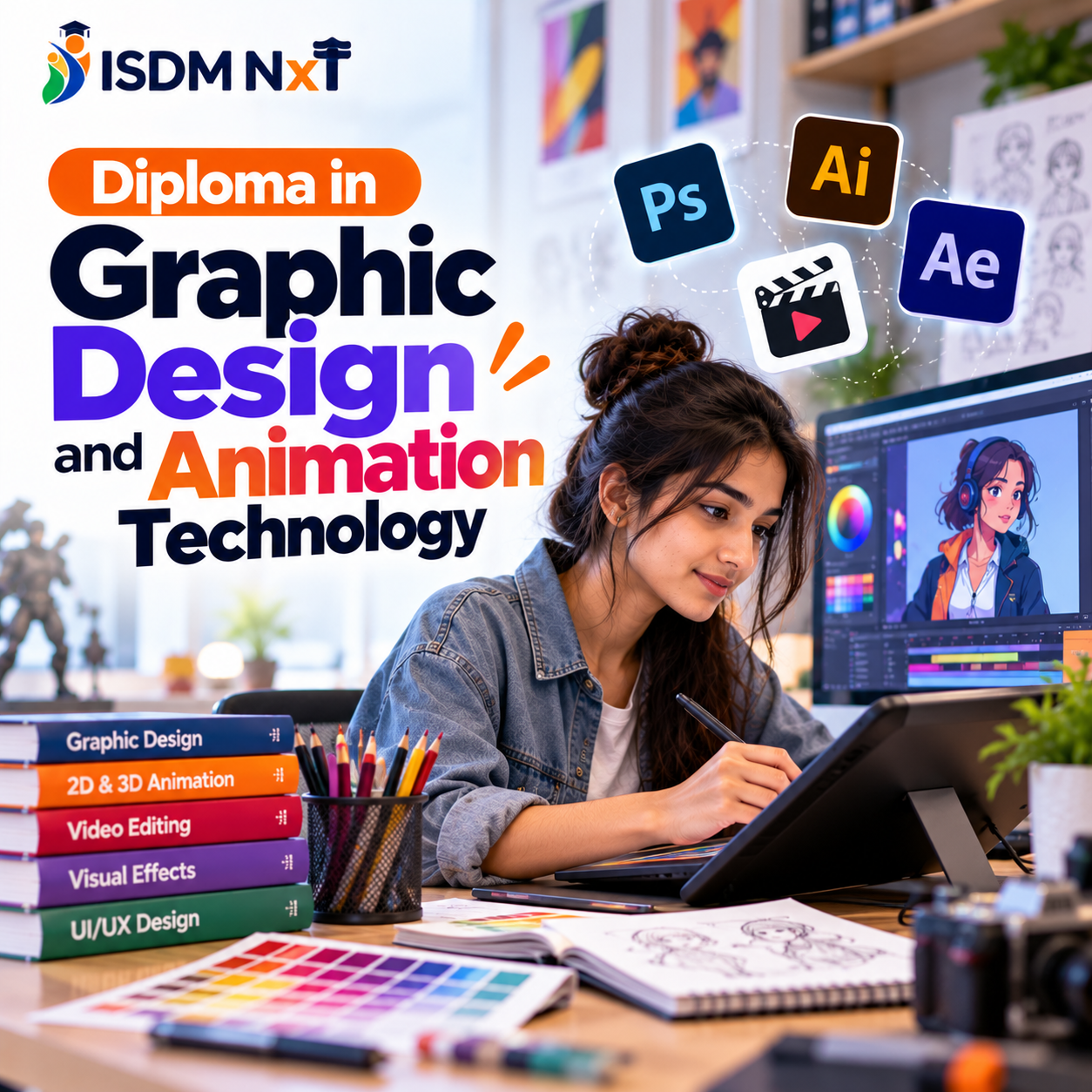
The Diploma in Graphic Design and Animation Technology is a comprehensive program designed to equip students with the essential skills and knowledge required in the dynamic fields of graphic design and animation. Over the course of six months, students will explore a variety of design principles, animation techniques, and software tools.
Key topics include:
- Fundamentals of Graphic Design
- Digital Illustration
- 3D Animation Techniques
- Motion Graphics
- Web and Multimedia Design
Through a combination of theoretical learning and hands-on projects, students will develop a strong portfolio that showcases their creative capabilities.
Tools you will master
Hands-on practice on the same software that companies use every day.
 Adobe Photoshop
 Adobe Illustrator
 Corel Draw
 Adobe Premiere
 Google GeminiAI
 Adobe FireflyAI
 Canva AIAI
 FigmaAI
 ClaudeAI
 PerplexityAI
 NotebookLMAI
What you will study, module by module
- Computer Hardware And Data Storage
- Software Types And Licensing
- Windows Settings And File Management
- Network Fundamentals And Communication
- Internet Connection Technologies
- Encryption And Digital Signatures
- Passwords, Viruses, And Email Safety
- Web Safety, External Attacks, And Backup
- Windows 7 Features And Navigation
- Start Menu, Libraries, And Shortcuts
- Recycle Bin And Desktop Gadgets
- Windows Media Center
- Media Player, DVD Maker, Fax, And Scan
- Taskbar And Desktop Customization
- Windows 10 Interface And Personalization
- Managing Files And Folders
- Color Wheel And Color Relationships
- Primary And Secondary Colors
- Complementary Color Contrast
- Color Theory And Harmony
- Color Psychology In Design And Animation
- RGB And CMYK Color Modes
- Choosing And Applying Color Palettes
- Elements and Principles of Design
- Creative Thinking Principles
- Ideation Methods in Design
- Character Sketching for Animation
- Storyboarding for Animation
- Combining Sketching and Storyboarding
- Creative Media Project Workflows
- Logo and Advertisement Design Projects
- Desktop Publishing Fundamentals
- PageMaker Interface And Tools
- Typography And Text Formatting
- Working With Images And Graphics
- Page Layout, Frames, And Master Pages
- Designing Leaflets, Brochures, And Newsletters
- Advanced Design And Print Preparation
- Raster Graphics Fundamentals
- Layers, Masks, And Blending Modes
- Photo Retouching And Image Correction
- Image Compositing Techniques
- Poster, Banner, And Social Media Design
- Digital Photo Collage
- Vector Graphics And CorelDRAW Concepts
- Creating And Editing Shapes
- Drawing Lines And Curves
- Combining Shapes Into Illustrations
- Typography And Color Fills
- Designing Business Cards And Logos
- Designing Posters And Exporting Designs
- Vector Illustration For Animation
- Animation-Ready Character And Asset Design
- Pen Tool Paths And Custom Shapes
- Icon And Infographic Design
- Advanced Typography And Text Effects
- Branding Kits And Visual Identity
- Filmora Features And Workflow
- Media Importing And Basic Editing
- Text, Titles, And Overlays
- Visual Effects And Color Grading
- Exporting For Online Platforms
- Creating Videos With Music And Transitions
- Dashboard Management And Metrics
- Uploading And Optimizing Videos
- Thumbnails, Tags, And Playlists
- YouTube SEO And Analytics
- Monetization Features And Best Practices
- Community Engagement And Channel Branding
- Video Editing Fundamentals and Interface
- Project Setup and Media Management
- Sequences, Formats, and Timeline Basics
- Timeline Editing and Advanced Techniques
- Transitions, Effects, and Motion Graphics
- Audio Editing and Color Grading
- Rendering, Exporting, and Professional Delivery
- AI Basics And Everyday Uses
- How Generative AI Works
- Prompt Engineering Foundations
- AI For Study And Workplace Tasks
- Fact-Checking And Reliable Research
- Privacy, Safety And Responsible Use
- Integrated Practice And Review
- AI Image Ideation And Mock-ups
- Canva Magic Studio Social Design
- Photoshop Generative Image Editing
- Illustrator AI Vector Design
- Figma AI UI Design
- AI-Assisted Branding And Mock-ups
- CorelDRAW Print Production And Portfolio
After this course you will be able to
- Understand the principles of graphic design and animation.
- Proficiently use industry-standard software such as Adobe Photoshop, Illustrator, and After Effects.
- Create engaging visual content for various media platforms.
- Develop a professional portfolio demonstrating design and animation projects.
Projects you will build
Create a branding package for a fictional company.
Design a series of promotional graphics for a marketing campaign.
Develop a short animated video using 2D animation techniques.
Design and build a personal portfolio website showcasing your work.
Your NxT Learning Kit
Not just classes: real practice for every subject, inside your student login.
Practical Applications
For every subject: where it is used in real jobs and business, a step-by-step method, a worked example and a task you do on the computer and submit. Your trainer checks it and gives feedback.
- Covers 2 subjects
- Checked by your trainer
- Counts in your progress report
Subject Tests
Online practice tests subject by subject. Your result comes instantly, the right answers are explained, and you can try again to improve your score.
- 36 practice questions
- Instant result
- Answers explained
Glossary
Every important word of your subjects in simple language, with a short meaning and an example, so technical words never stop you.
- Simple meanings
- Real examples
- Subject wise
- Artificial Intelligence (AI)
- Machines that can perform tasks that typically require human intelligence.
- Machine Learning
- A subset of AI where computers learn from data to improve over time.
- Deep Learning
- A type of machine learning that uses neural networks to process data.
Interview Preparation for Real World
Questions that companies really ask for this field, with clear model answers, so you walk into job interviews ready and confident.
- Model answers
- Asked in real job interviews
- Subject wise
Broad Resources of External Material
Hand-picked free videos, official guides and reading material for every subject, so you keep learning beyond the classroom.
- 12 videos
- 10 reading links
- Picked for your syllabus
- Intro to AI Fundamentals
- Prompt Engineering Basics
- Understanding Machine Learning
- Natural Language Processing Explained
Flash Cards & Revision
Quick flip cards and short revision quizzes made from your study books, plus a short AI summary of every book, for fast revision before tests and exams, and an AI Tutor that answers your doubts.
- 24 flashcards
- 20 revision questions
- 2 AI study summaries
- AI Tutor for your doubts
See what you get in each subject 2 subjects
This course includes 2 practical applications, 2 subject tests, 50 key terms, 30 interview questions with answers, 22 videos & learning links and 44 flashcards & revision questions, inside your student login.
Jobs you can get after this course
Salary ranges are approximate for freshers in India and depend on city, company and your skills.
Who hires for these skills
Earn on your own
- Offer graphic design services
- Create animated videos for businesses
- Develop custom websites
- Design social media content
- Consult for multimedia projects
Is this course for you?
Best for
- 12th pass students
- Graduates looking for new skills
- Job seekers in creative fields
- Working professionals wanting to upskill
- Anyone passionate about design and animation
Eligibility
Candidates must have completed their 10+2 education in any stream. A basic understanding of design concepts and creativity is preferred.
What you get with ISDM NxT
Upon successful completion, students receive an ISDM NxT certificate that validates their skills in graphic design and animation.
How we help you get a job
- 1
Resume building workshops
- 2
Mock interview sessions
- 3
Access to job offers
- 4
Guidance on job applications
- 5
Networking opportunities with industry professionals
Your certificate & marksheet
After passing the final exam you receive an ISDM NxT certificate and marksheet like these. Tap to view.
Sample only - the real certificate carries your name, photo, marks, enrolment number and a QR code for online verification.
What next after this course
Questions students ask
The Diploma in Graphic Design and Animation Technology is a 6-month program.
Students will learn to use Adobe Photoshop, Illustrator, After Effects, and other relevant design tools.
A basic understanding of design concepts and a creative mindset are preferred, but not mandatory.
Graduates can pursue careers as Graphic Designers, Animation Artists, Web Designers, and more.