
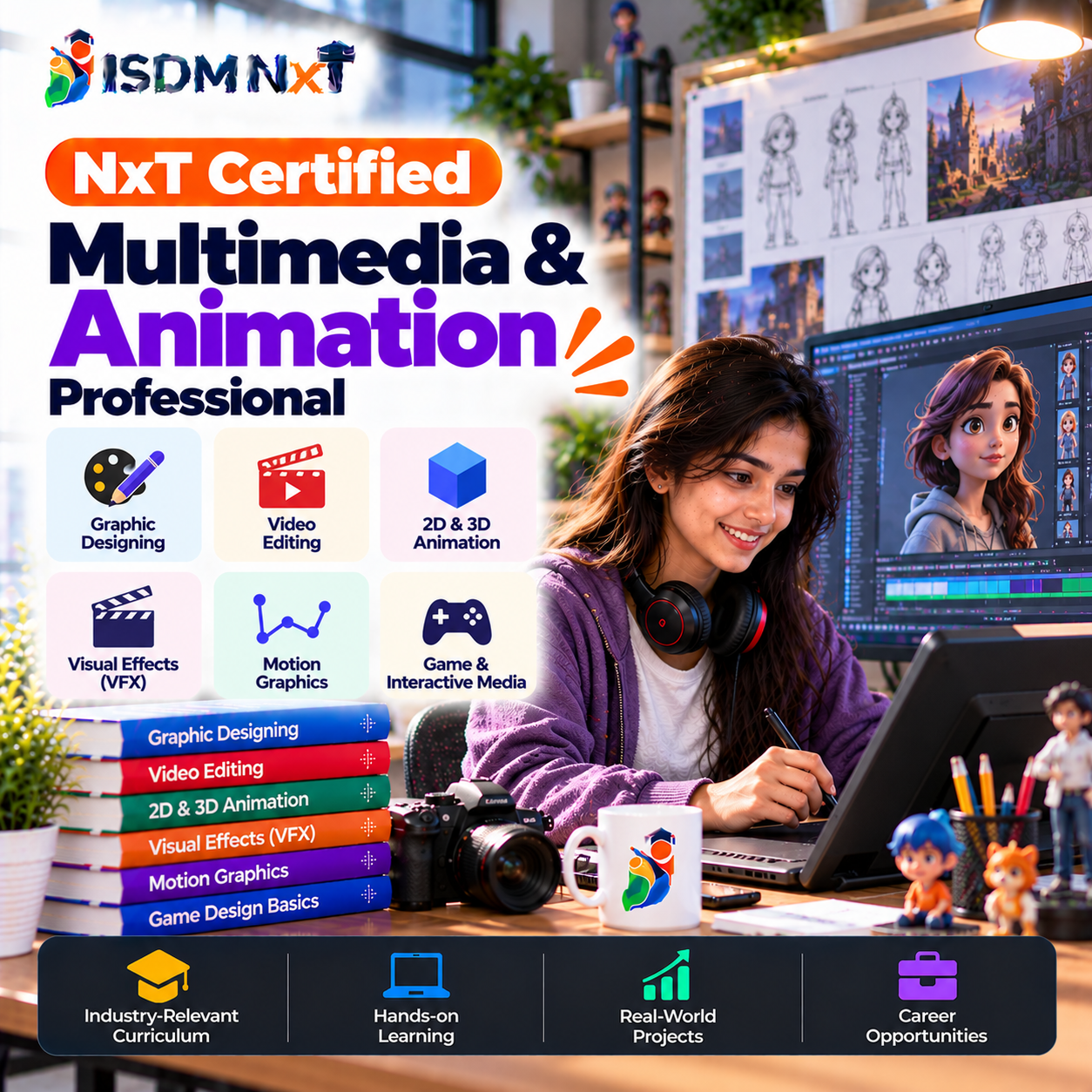
About this course
The NxT Certified Multimedia & Animation Professional course is designed to equip students with the essential skills and knowledge to excel in the dynamic fields of multimedia and animation.
This comprehensive 2-year program covers various aspects of multimedia design, animation techniques, and digital content creation.
- Hands-on training with industry-standard software and tools
- Project-based learning to enhance practical skills
- Expert faculty with extensive industry experience
- Opportunities for internships and real-world projects
Tools you will master
Hands-on practice on the same software that companies use every day.
 Adobe Photoshop
 Adobe Illustrator
 Autodesk Maya
 Adobe After Effects
 Google GeminiAI
 ClaudeAI
 PerplexityAI
 NotebookLMAI
What you will study, module by module
- Multimedia Foundations And Applications
- Animation Types And Fundamentals
- Animation History And Evolution
- Digital Media And Graphic Design
- Industry Applications And Career Paths
- Freelancing And Professional Skills
- Emerging Multimedia Industry Trends
- Color Theory And Typography
- Vector And Raster Graphics
- Photoshop And Illustrator Tools
- Image Editing And Logo Design Fundamentals
- Professional Logo Design Process
- Marketing Poster Design
- Digital Illustration Tools And Foundations
- Sketching, Line Art, Color And Perspective
- Digital Painting And Rendering Techniques
- Character Design Principles And Workflow
- Concept Art for Animation and Games
- Environment, Prop And Visual Development
- Art Pipeline, Portfolio And Career Paths
- Fantasy Character Illustration Project
- 2D Animation Foundations And History
- Principles Of Animation
- Keyframes, In-Betweens, And Frame Rates
- Animation Types And Software Tools
- Animation Exercises And Motion Practice
- Digital Animation Techniques And Exporting
- Character Rigging And Movement
- Storyboarding And Scriptwriting
- Frame-By-Frame And Tween Animation
- Lip Syncing And Facial Expressions
- Scene Development And Background Design
- 2D Special Effects Animation
- Animation Careers And Portfolio Development
- Animation Sequence Planning And Production
- 3D Modeling Fundamentals And Applications
- Modeling Methods And Model Components
- 3D Software And Interface Basics
- Primitive Creation And Modeling Techniques
- Meshes, Topology, And Retopology
- UV Mapping, Materials, And Texturing
- Animation, Lighting, And Rendering
- Projects, File Formats, And Careers
- Anatomy And Character Proportions
- ZBrush Interface And Sculpting Tools
- Advanced Sculpting And Detail Refinement
- Polypainting And Texture Export
- Retopology And UV Mapping
- Rendering And Model Export
- Character Modeling And Texturing Workflow
- Rigging And Skinning Fundamentals
- Skeletons, Controllers, And Rig Types
- Weight Painting And Deformation
- Rigging Software And Advanced Techniques
- IK And FK Animation
- Walk Cycles And Facial Animation
- Character Animation Principles
- Keyframe, Motion Capture, And Workflow
- 3D Lighting Fundamentals
- Basic And Advanced Light Types
- Lighting Techniques And HDRI
- PBR Texturing And UV Mapping
- Realistic Materials And Shaders
- Global Illumination And Rendering
- Realistic Scene Lighting And Optimization
- VFX Industry And Production Pipeline
- Previsualization And VFX Production
- 3D Modeling, Texturing, And Animation
- Compositing, Simulations, And Rendering
- Rotoscoping And Chroma Keying
- Motion Tracking And Matchmoving
- Green Screen Production And Integration
- After Effects Composition And Export
- Particle Effects And Simulations
- Particle Rendering And Optimization
- 3D Compositing Workflow
- Camera Tracking And Set Extensions
- CG Integration And Render Passes
- Color Correction And Grading
- VFX Shot Creation And Export
- Premiere Pro Setup And Interface
- Media Organization And Timeline Editing
- Transitions, Effects, And Motion
- Audio Editing, Syncing, And Sound Effects
- Color Correction And Grading
- Export Settings And Platform Delivery
- Foley, Audio Mixing, And Mastering
- Cinematic Editing And Sound Integration
- AI Basics And Everyday Uses
- How Generative AI Works
- Prompt Engineering Foundations
- AI For Study And Workplace Tasks
- Fact-Checking And Reliable Research
- Privacy, Safety And Responsible Use
- Integrated Practice And Review
After this course you will be able to
- Understand the principles of multimedia design and animation.
- Gain proficiency in industry-standard software such as Adobe Creative Suite and Autodesk Maya.
- Develop skills in 2D and 3D animation techniques.
- Create engaging multimedia content for various platforms.
- Build a professional portfolio showcasing multimedia projects.
Projects you will build
Create a short animated film using 2D animation techniques.
Design a multimedia presentation for a fictional product launch.
Develop a character model and animation using 3D software.
Collaborate on a group project to produce a complete multimedia website.
Your NxT Learning Kit
Not just classes: real practice for every subject, inside your student login.
Practical Applications
For every subject: where it is used in real jobs and business, a step-by-step method, a worked example and a task you do on the computer and submit. Your trainer checks it and gives feedback.
- Covers 1 subject
- Checked by your trainer
- Counts in your progress report
Subject Tests
Online practice tests subject by subject. Your result comes instantly, the right answers are explained, and you can try again to improve your score.
- 18 practice questions
- Instant result
- Answers explained
Glossary
Every important word of your subjects in simple language, with a short meaning and an example, so technical words never stop you.
- Simple meanings
- Real examples
- Subject wise
- Artificial Intelligence (AI)
- Machines that can perform tasks that typically require human intelligence.
- Machine Learning
- A subset of AI where computers learn from data to improve over time.
- Deep Learning
- A type of machine learning that uses neural networks to process data.
Interview Preparation for Real World
Questions that companies really ask for this field, with clear model answers, so you walk into job interviews ready and confident.
- Model answers
- Asked in real job interviews
- Subject wise
Broad Resources of External Material
Hand-picked free videos, official guides and reading material for every subject, so you keep learning beyond the classroom.
- 6 videos
- 5 reading links
- Picked for your syllabus
- Intro to AI Fundamentals
- Prompt Engineering Basics
- Understanding Machine Learning
- Natural Language Processing Explained
Flash Cards & Revision
Quick flip cards and short revision quizzes made from your study books, plus a short AI summary of every book, for fast revision before tests and exams, and an AI Tutor that answers your doubts.
- 12 flashcards
- 10 revision questions
- 1 AI study summary
- AI Tutor for your doubts
See what you get in each subject 1 subject
This course includes 1 practical applications, 1 subject tests, 25 key terms, 15 interview questions with answers, 11 videos & learning links and 22 flashcards & revision questions, inside your student login.
Jobs you can get after this course
Salary ranges are approximate for freshers in India and depend on city, company and your skills.
Who hires for these skills
Earn on your own
- Create animated videos for clients
- Offer graphic design services
- Produce video content for social media
- Develop visual effects for independent films
Is this course for you?
Best for
- 10th/12th pass students
- Graduates seeking skills
- Job seekers in creative fields
- Working professionals looking to upskill
- Aspiring freelancers in multimedia
Eligibility
Students must have completed their higher secondary education (10+2) or equivalent.
What you get with ISDM NxT
Upon successful completion, you will receive the NxT Certified Multimedia & Animation Professional certificate.
How we help you get a job
- 1
Resume building workshops
- 2
Mock interview sessions
- 3
Access to job offers on student dashboard
- 4
Assistance with job applications
Your certificate & marksheet
After passing the final exam you receive an ISDM NxT certificate and marksheet like these. Tap to view.
Sample only - the real certificate carries your name, photo, marks, enrolment number and a QR code for online verification.
What next after this course
Questions students ask
The course duration is 2 years.
You will learn to use industry-standard software such as Adobe Creative Suite and Autodesk Maya.
Yes, the program offers opportunities for internships and real-world projects.
Graduates can pursue careers as multimedia designers, 3D animators, motion graphics artists, video game designers, and visual effects artists.